Changelog
Everything we've shipped recently, newest first.
Highlights
 For everyone
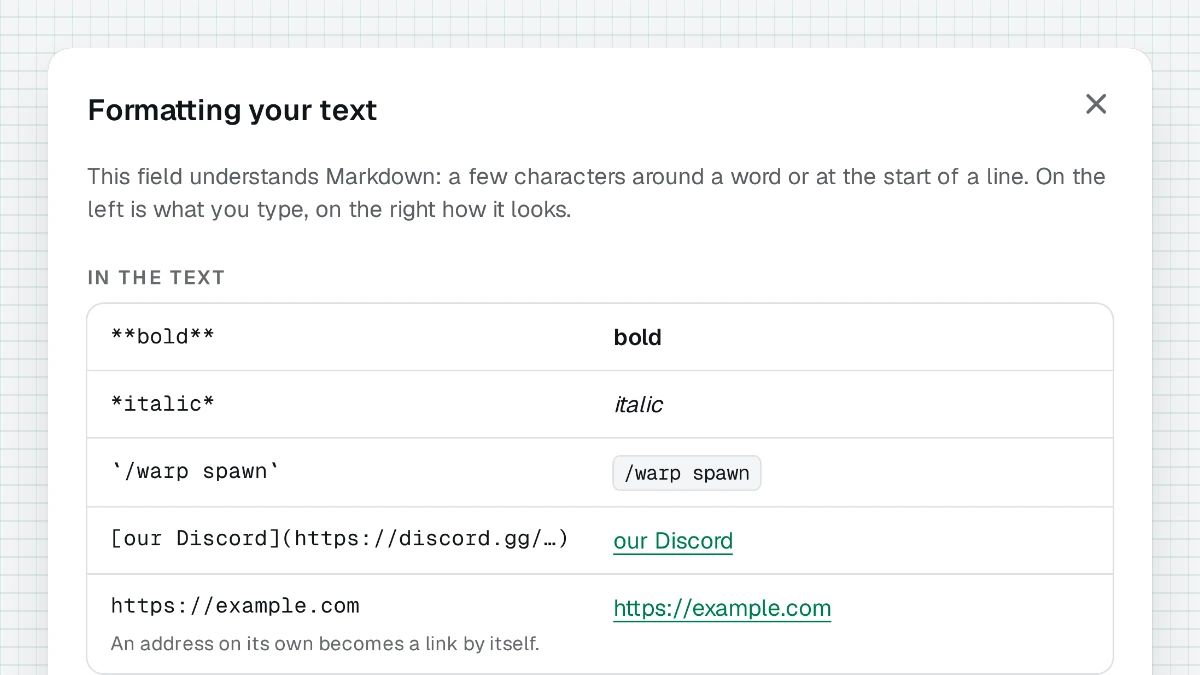
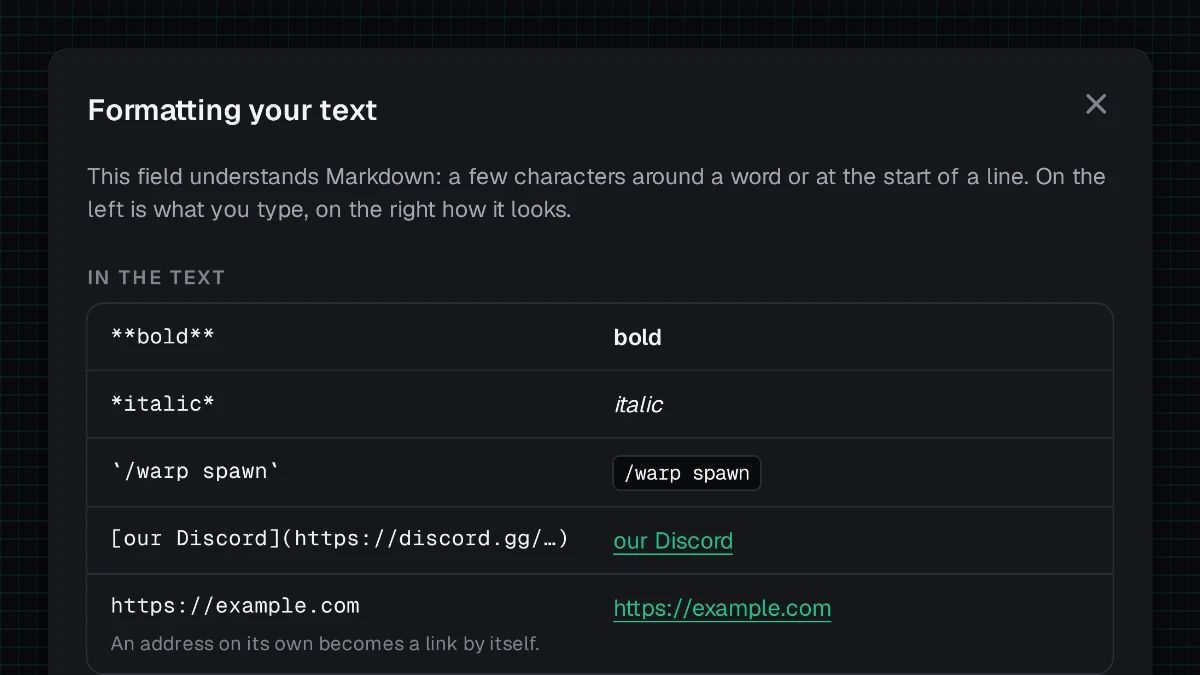
Formatting, explained where you write
Wherever text can be formatted, from a listing or a profile to a message or a cover letter, “Markdown is allowed” now opens a cheat sheet: what you type on the left, how it looks on the right. A cover letter now shows formatted in the team’s view too.
 For talents
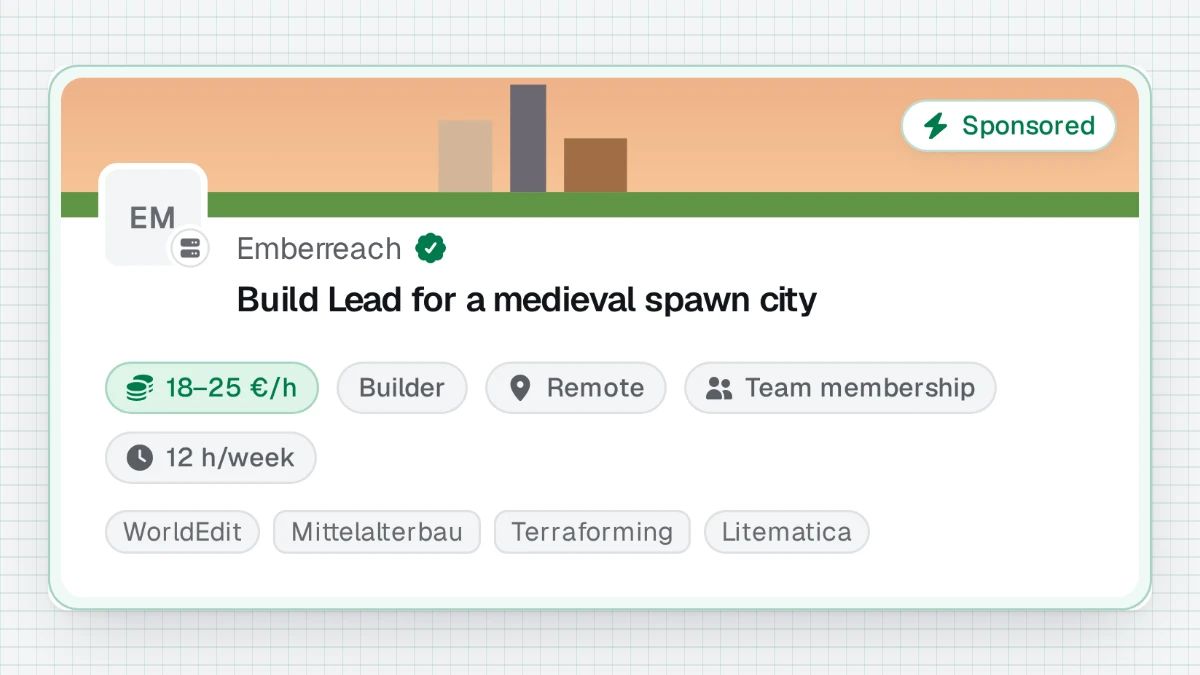
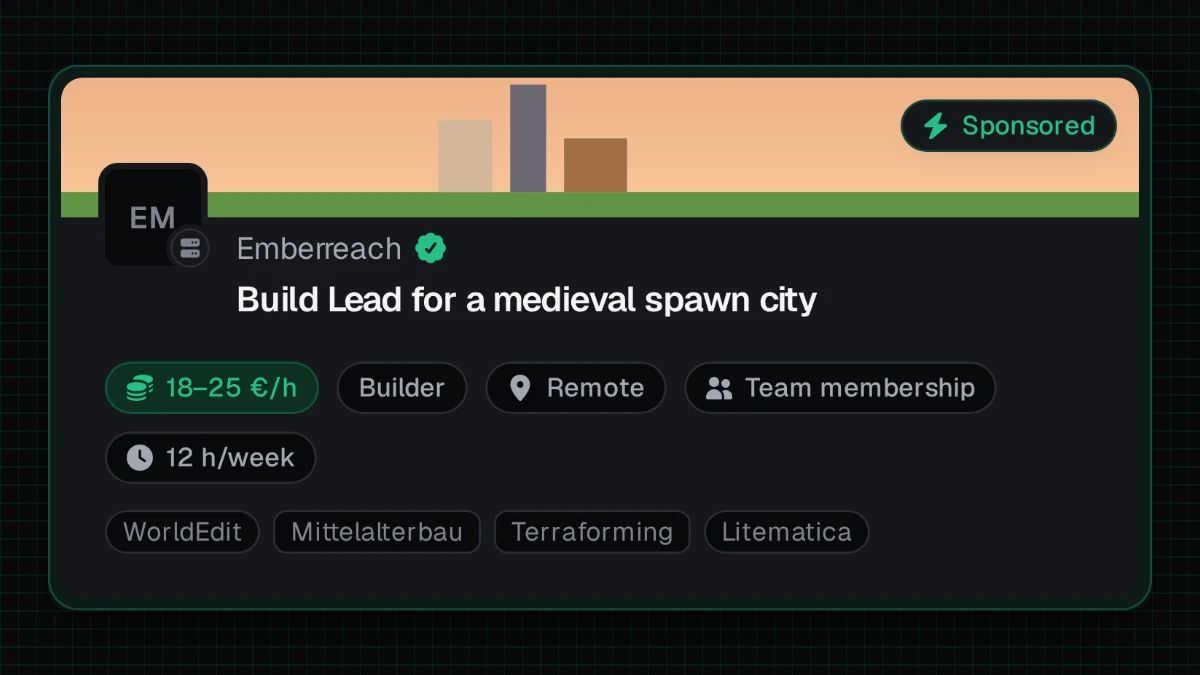
Who is hiring, on every card
Cards in the job list name their team with a link to its page. A boosted listing also carries its team’s banner across the card.
 For talents
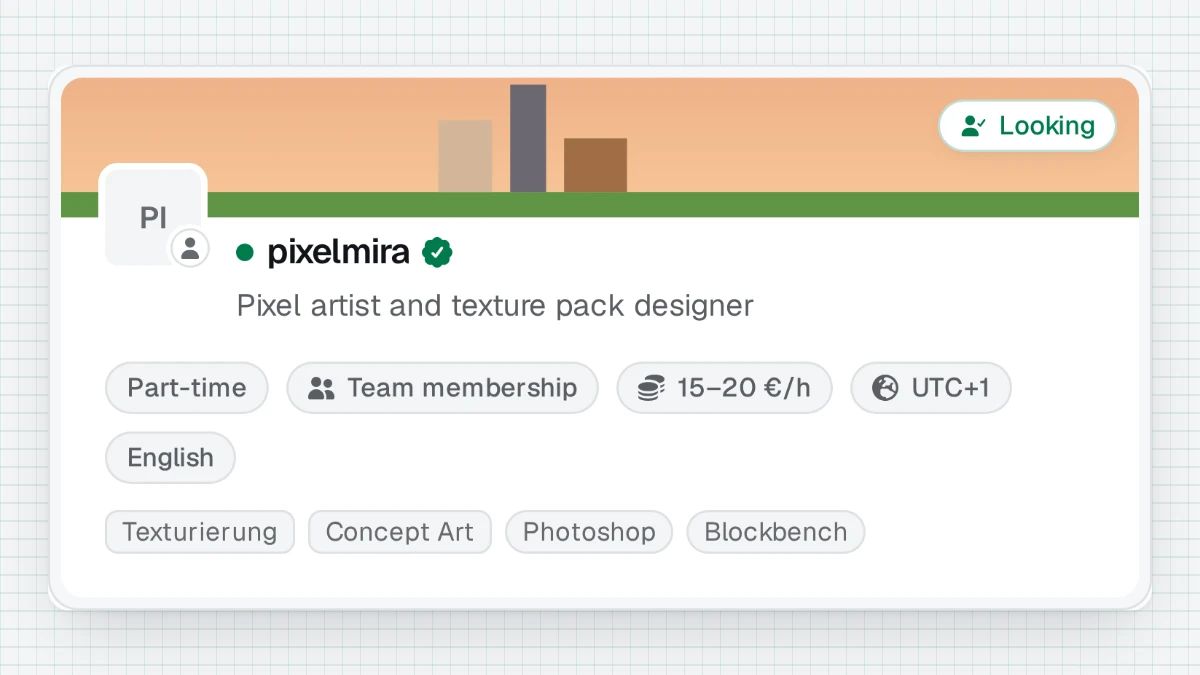
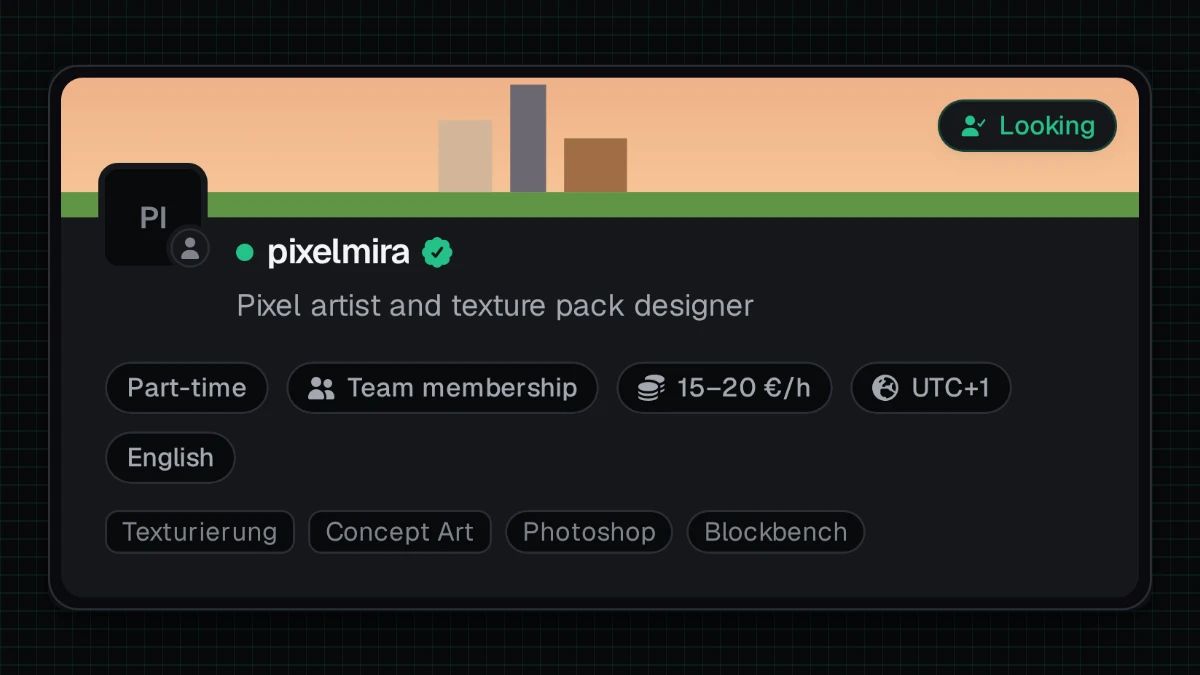
A banner for talents and studios
Talent and studio profiles can carry a wide banner above the profile, like a server page. Profile pictures on talent profiles are larger, and a profile without one shows its initials.
 For talents
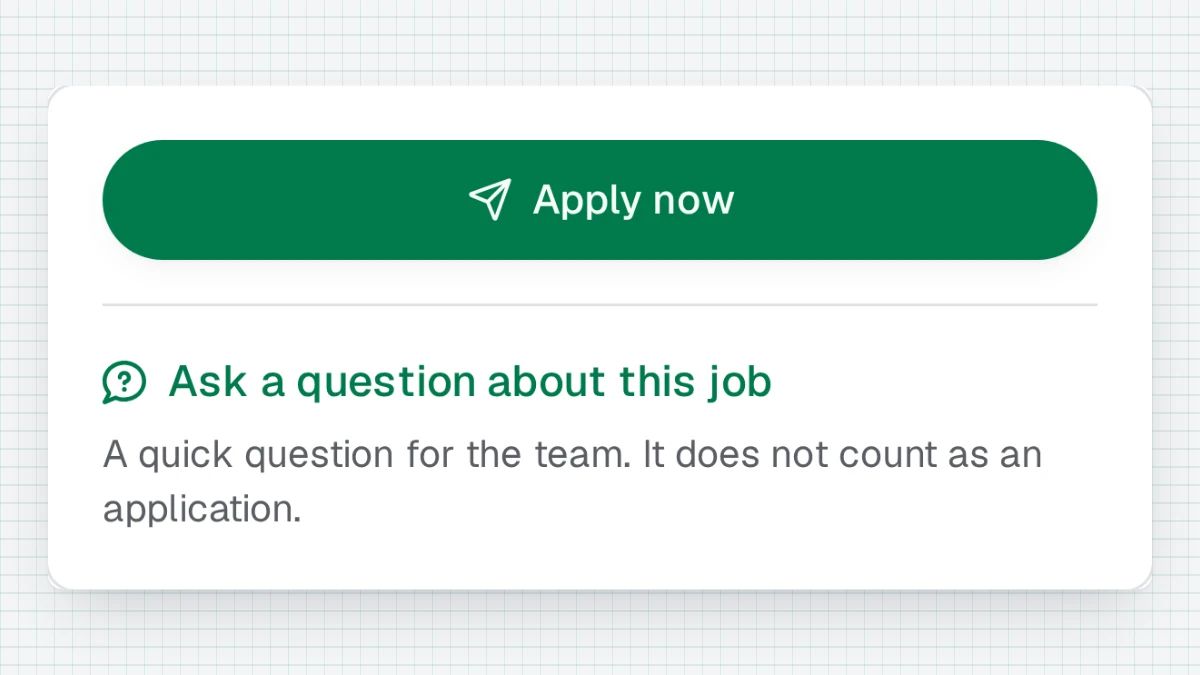
Ask before you apply
Not sure a listing is for you? Ask the team about it without applying — the question opens a normal thread in your inbox, and you can still apply afterwards. Teams see the question beside their applications and can switch questions off in their team settings.


All changes
- New
What's new, in our Discord every Friday
On Fridays, the announcements channel of our Discord shows the week's highlights, each with a picture and a line on what it does. Every other change stays listed here.
- Improved
Highlights at the top of the changelog
The changelog now opens with the most important recent changes, each with a picture of what changed. One click narrows them to what concerns teams or talents, and every change is still listed below.
- Improved
Questions instead of rejections during review
If something is unclear while we review a listing, a verification or an appeal, we now ask in your inbox instead of rejecting straight away. The review waits until you answer, and it is never rejected for lack of one. And when we do reject, the reason says what you can change.
- Fixed
A clearer head on every listing
A server’s version shows without the colour codes of its list entry, and a maintenance message no longer passes for one. Explanations such as the verified badge’s are no longer cut off, the title uses the full width, and the player average reads as words.
- Improved
Formatting, explained where you write
Wherever text can be formatted, from a listing or a profile to a message or a cover letter, “Markdown is allowed” now opens a cheat sheet: what you type on the left, how it looks on the right. A cover letter now shows formatted in the team’s view too.
- Improved
More to go on in “More from”
The team’s other positions under a listing now show their role, whether they are remote and the hours, next to the pay.
- New
Your version, in your words
A server can state its version itself, such as “1.8 to 1.21”, instead of what its address reports. Automatic stays the recommended choice, because it keeps itself up to date.
- Fixed
Listings in the job list no longer call themselves a preview
Some listings that appear in the job list showed visitors the “Preview — only your team and moderators can open this page” notice, and were kept from search engines and link previews. They now show as the public listing they are.